


A drag and drop app builder lets you assemble a working mobile or web app by placing components on a visual canvas instead of writing code, then wiring up data and logic through configuration.
The category spans three very different buyer profiles: solo founders shipping a mobile MVP, technical teams that want a real exportable codebase, and enterprises that need IT governance built in. The right drag and drop app builder depends more on which of these describes you than on which tool has the flashiest demo.
Quick Answer: Which Drag and Drop App Builder Is Best?
If code ownership matters, start with FlutterFlow or WeWeb. If you want the fastest way to build without coding, Adalo or Glide are easier starting points. For complex web applications, Bubble offers the most flexibility.
Drag and Drop App Builder Comparison Table
| Drag and Drop App Builder | Best For | Starting Price (2026) | Code Export | Native Mobile App Support |
|---|---|---|---|---|
| Bubble | Complex custom web apps | Free / ~$29/mo | No | Via plugins only |
| Adalo | No-code native mobile MVPs | Free / $36/mo | No | Yes |
| Glide | Spreadsheet-to-app internal tools | Free / ~$25/mo | No | Web/PWA only |
| WeWeb | Exportable frontends with your own backend | Free / ~$20/mo | Yes | No |
| FlutterFlow | Native apps you want to own the code for | Free / $39/mo | Yes | Yes |
| Thunkable | Learning, hobby, simple mobile apps | Free / ~$19/mo | No | Yes |
| Microsoft Power Apps | Governed enterprise internal tools | Free (dev) / $20/user/mo | No | Yes, via app |
| Kissflow | Enterprise workflow and approval apps | No free tier / ~$1,500/mo | No | Yes, via app |
1. Bubble
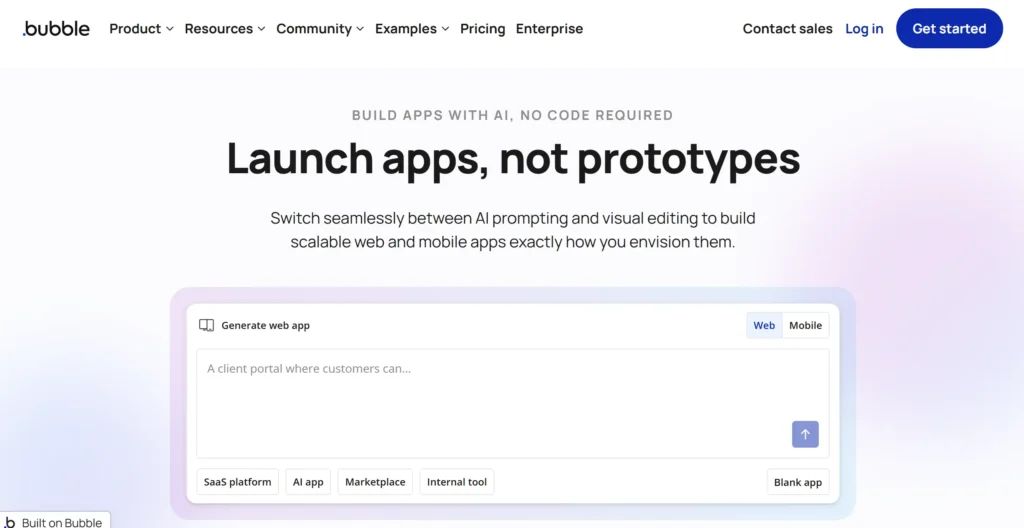
Best for: Founders and teams building a complex, data-driven web application that would otherwise need a real engineering team.
Why it stands out: Bubble is the most complete visual development environment in this category. It combines a responsive editor, built-in database, and workflow engine for defining application logic without traditional coding. It is one of the closest options to full-stack development through a visual interface.
What users experience: Reviewers consistently describe Bubble as one of the most powerful options in this category, but it can also be difficult to budget for. Bubble bills by Workload Units rather than a simple flat price, and independent cost breakdowns report that production apps can become significantly more expensive once plugins, optimization, and workload buffers are factored in.
Strengths: Full-stack logic and database in one tool; large plugin and template ecosystem; mature enough to run real production SaaS products.
Limitations: No code export, so you’re building inside Bubble permanently; a learning curve before the workflow engine becomes intuitive; workload-based billing can make costs harder to forecast.
Pricing: Free plan with no live deployment. Paid plans are split by track (Web, Mobile, or Web+Mobile): Starter from around $29/month, Growth from $119/month for web and up to roughly $209/month for web+mobile, Team from $349/month up to roughly $549/month, and custom Enterprise pricing.
2. Adalo
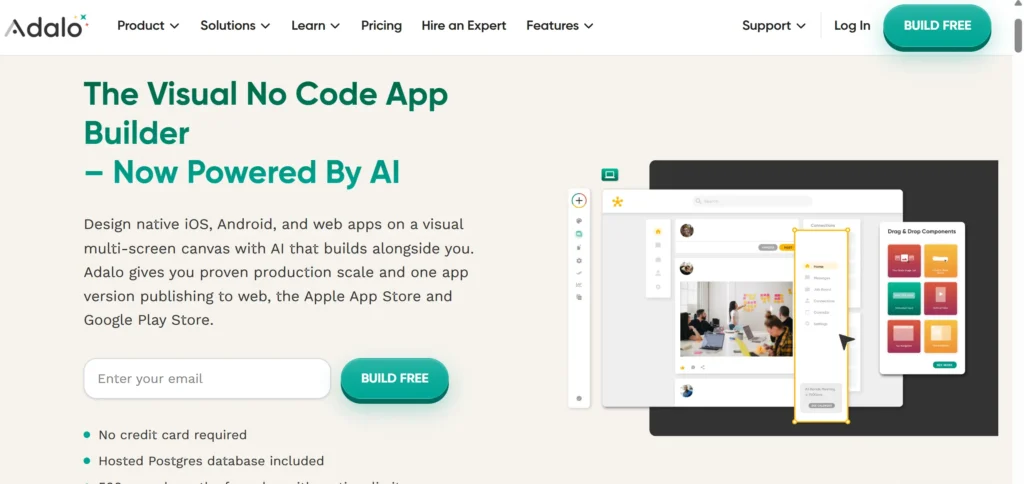
Best for: Non-technical founders who want to publish a native mobile app to both app stores without writing code.
Why it stands out: Adalo is designed around native iOS and Android publishing from a single project. Its pricing is relatively straightforward, and paid plans include unlimited database records without usage-based overage charges.
What users experience: Capterra reviewers generally describe Adalo as approachable for non-developers. The main friction point is cost, with some reviewers finding the entry-level tiers expensive relative to the functionality included.
Strengths: Native app store publishing; predictable pricing; integrations with Airtable, Stripe, Xano, and Zapier.
Limitations: No code export, so you’re tied to the platform; publishing also requires your own Apple Developer and Google Play accounts; complex backend logic can be a challenge.
Pricing: Free plan with no publishing. Starter around $36/month, Professional around $52–65/month depending on billing term, Team around $160/month, and Business around $200/month.
3. Glide
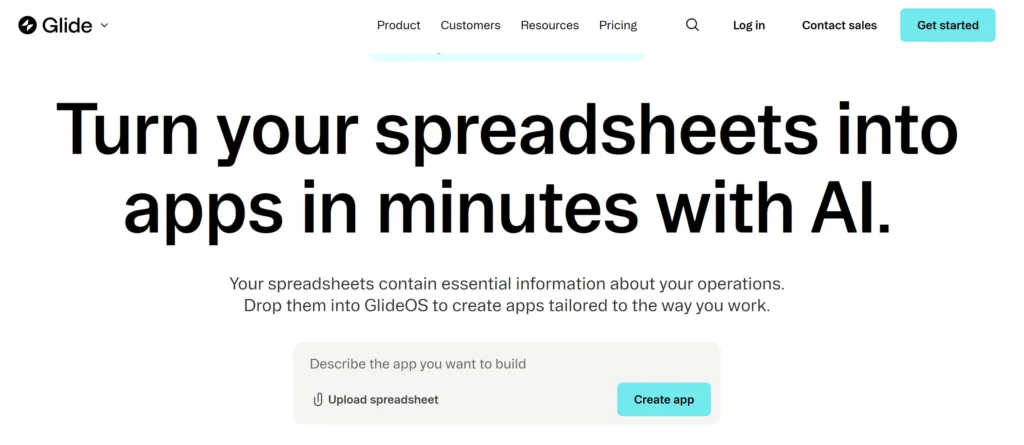
Best for: Teams that already use Google Sheets or Airtable and want to turn existing data into a usable app quickly.
Why it stands out: Glide treats a spreadsheet or connected data source as the foundation of the application. Instead of starting with a traditional database design, you can connect your existing data and build an interface around it.
What users experience: Speed is one of Glide’s biggest advantages. It is particularly effective for quickly building internal tools. The main concern is pricing as usage grows, with costs affected by published apps, users, and data updates.
Strengths: Fast path from spreadsheet data to an app; strong for internal tools such as inventory trackers and lightweight CRMs; useful AI-powered data features.
Limitations: No native mobile output; Glide apps are web apps or PWAs rather than App Store or Google Play applications; some data sources are restricted to higher tiers; pricing structures have changed over time.
Pricing: Free tier available. Paid plans start in the $19–25/month range for solo builders, mid-tier plans are roughly $49–99/month, and business-level plans are around $199–249/month, with custom Enterprise pricing.
4. WeWeb
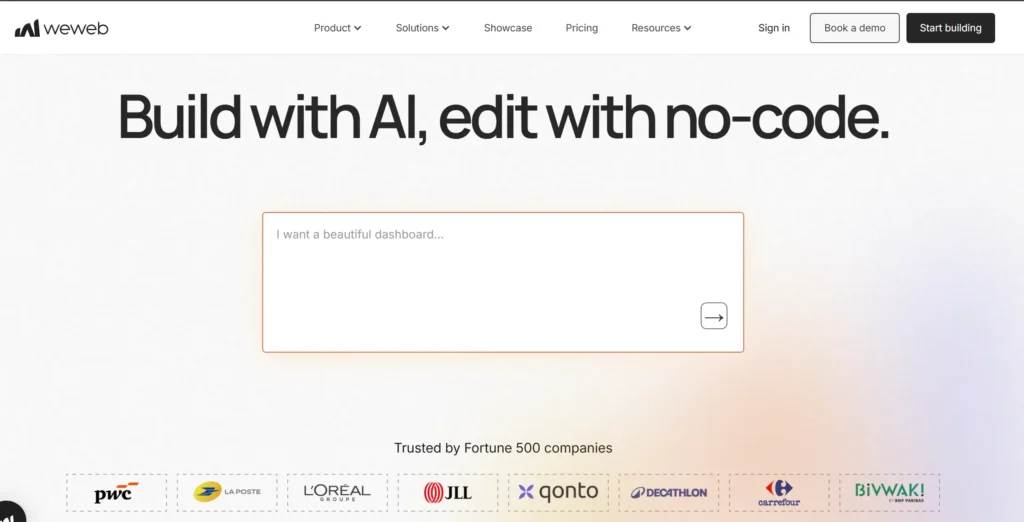
Best for: Technical teams that want a drag and drop frontend without being locked into a proprietary backend.
Why it stands out: WeWeb offers genuine code export and self-hosting capabilities. You can visually build the frontend while using a backend of your choice, such as Supabase or Xano.
What users experience: Independent reviews often highlight WeWeb’s balance between no-code and low-code development. Its expression system and logic blocks allow technical users to build more dynamic applications without creating everything from scratch in code.
Strengths: Code export and self-hosting; support for custom Vue components; backend flexibility; reduced vendor lock-in.
Limitations: Its workspace and hosting pricing structure can be difficult to estimate; pricing has changed during 2026; using an external backend may introduce additional costs and management requirements.
Pricing: Free plan for prototyping. Paid seat plans start around $20–25/month for self-hosted use, with higher tiers around $50–79/month for team features. WeWeb Cloud hosting can add separate costs.
5. FlutterFlow
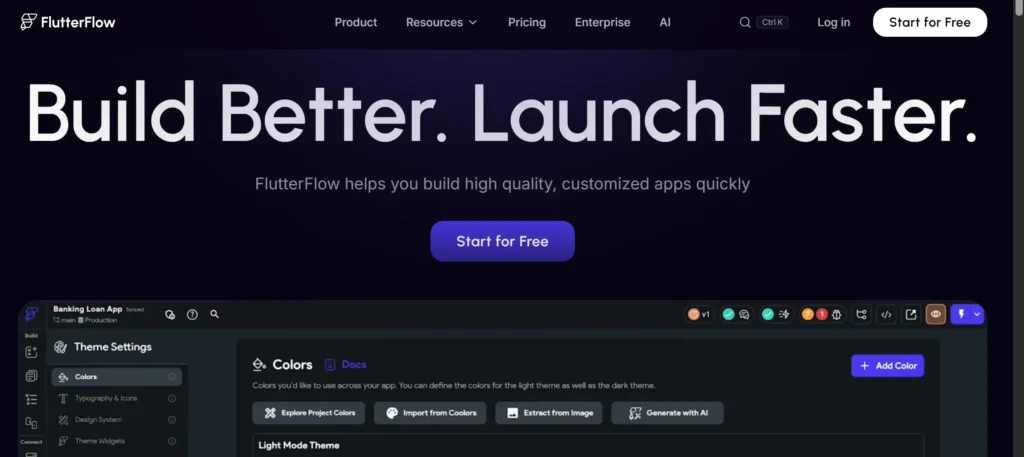
Best for: Developers, technical founders, and agencies that want a native app and the ability to own the underlying code.
Why it stands out: FlutterFlow generates real Flutter code that can be downloaded and maintained outside the platform. It supports iOS, Android, web, and desktop from a visual development environment.
What users experience: Reviewers often rate FlutterFlow highly among technical users because the generated code is exportable rather than locked inside a proprietary runtime. The main drawback for teams is pricing, particularly when collaboration requires multiple seats.
Strengths: Real Flutter code export; multi-platform output; strong Firebase and Supabase integrations; suitable for technical teams and agencies.
Limitations: The free plan does not provide code export or app-store publishing; team pricing scales with additional seats; backend costs are separate from the FlutterFlow subscription.
Pricing: Free plan with no export or publishing. Basic at $39/month for a single seat. Growth from $80/month for the first seat plus $55/month per additional seat. Business from $150/month for the first seat plus $85/month per additional seat. Custom Enterprise pricing is available.
6. Thunkable
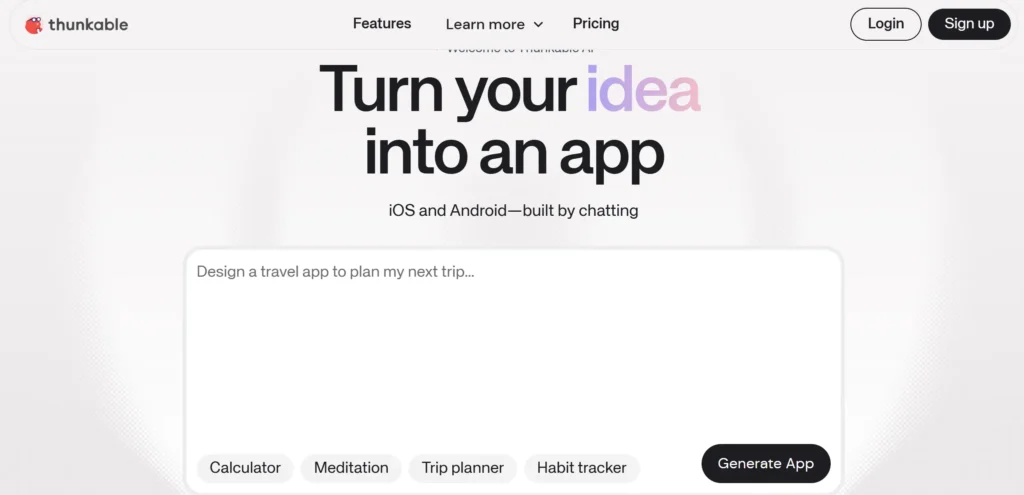
Best for: Students, hobbyists, and beginners building simple mobile apps.
Why it stands out: Thunkable uses a block-based programming model that makes app logic easier to understand for people who are new to software development.
What users experience: Thunkable is generally considered approachable for beginners. Its smaller review base compared with some larger platforms means there is less independent feedback to draw from, while its pricing structure has changed enough over time that older third-party guides can be inconsistent.
Strengths: Beginner-friendly block-based logic; free tier for learning and prototyping; supports iOS and Android publishing.
Limitations: App-store publishing requires a paid plan; pricing has changed over time; less suited to complex, data-heavy applications than Bubble or FlutterFlow.
Pricing: Free plan available. Paid plans start around $15–19/month for limited publishing, with mid-tier plans around $36–59/month and a higher self-serve tier around $189/month. Enterprise pricing is custom.
7. Microsoft Power Apps
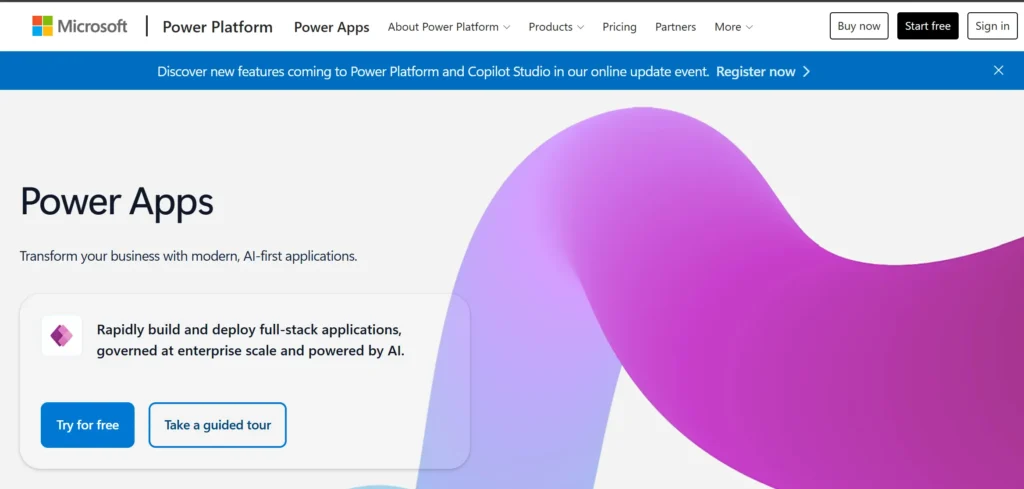
Best for: Enterprises already using Microsoft 365 or Azure that need governed internal applications.
Why it stands out: Power Apps is designed around enterprise governance, Dataverse, premium connectors, SSO, and compliance requirements. It fits organizations where IT oversight and integration with existing Microsoft systems matter as much as development speed.
What users experience: G2 users frequently mention premium connectors as a reason teams move beyond entry-level licensing. The platform can also become more expensive once Dataverse, Power Automate, and other Microsoft services are included.
Strengths: Strong governance and compliance; deep Microsoft ecosystem integration; suitable for IT-managed applications; well-documented licensing.
Limitations: Not designed primarily for cheap, fast prototyping; total costs can include Power Automate and Dataverse consumption; less attractive for organizations outside the Microsoft ecosystem.
Pricing: Free Developer plan for non-production use. Power Apps Premium at $20/user/month for unlimited apps. Pay-As-You-Go at $10 per active user per app per month for narrower deployments. Volume pricing is available for larger deployments.
8. Kissflow
Best for: Mid-market and enterprise teams standardizing recurring workflows and approval processes.
Why it stands out: Kissflow focuses on workflow automation rather than general-purpose app development. It is suited to processes such as purchase requests, onboarding, expense claims, and internal approvals where governance is important.
What users experience: Capterra reviewers generally describe Kissflow as a strong fit for organizations looking to automate structured processes. The main drawback for smaller teams is price, particularly as workflow requirements become more complex.
Strengths: Platform-based pricing; workflow and approval automation; governance and audit features; fast deployment for structured business processes.
Limitations: No permanent free plan; onboarding involves sales; pricing is substantially higher than most SMB-focused builders; advanced features such as external portals and SSO/SCIM are reserved for higher tiers.
Pricing: No permanent free plan, with a 14-day trial available. Basic pricing is reported around $1,500–2,500/month depending on source and region. Enterprise pricing is custom and can run significantly higher.
Best Drag and Drop App Builder by Use Case
- Fastest MVP from existing spreadsheet data: Glide
- Native mobile app with zero code: Adalo
- Native mobile app with exportable code: FlutterFlow
- Complex, fully custom web application: Bubble
- Exportable frontend with your own backend: WeWeb
- Learning app development: Thunkable
- Governed internal tools in a Microsoft organization: Microsoft Power Apps
- Enterprise workflow and approval automation: Kissflow
How to Choose a Drag and Drop App Builder
Start with two questions before comparing feature lists.
First: does your project need a native mobile app, a web app, or both?
This immediately narrows the list. Glide and WeWeb focus on web applications, while Adalo, FlutterFlow, and Thunkable are designed around mobile publishing.
Second: do you need to own the underlying code?
If code ownership matters, FlutterFlow and WeWeb stand out because they offer genuine code export. Bubble, Adalo, Glide, and Thunkable keep your application tied to their platforms.
Then look at pricing structure.
Usage-based models such as Bubble’s Workload Units and Glide’s usage-based billing can be inexpensive during early development but harder to predict as usage grows. Flat or per-seat pricing is easier to forecast but can become expensive for larger teams.
Enterprise platforms such as Power Apps and Kissflow are built around governance, integrations, security, and organizational workflows. They make more sense when those requirements are important—not simply because they offer more features.
FAQs
What is a drag and drop app builder?
A drag and drop app builder is a visual development environment where you assemble an application’s interface by placing components such as buttons, forms, images, and data views onto a canvas. You then connect data sources and application logic through configuration rather than traditional coding.
Can a drag and drop app builder create a real native mobile app?
Some can, while others only create web applications.
Adalo, FlutterFlow, and Thunkable support publishing to the Apple App Store and Google Play. Glide and WeWeb focus on web applications and progressive web apps rather than native mobile output.
If native mobile publishing is a requirement, check this capability before choosing a platform.
Do drag and drop app builders let me export my code?
Most do not.
Bubble, Adalo, Glide, and Thunkable keep applications inside their platforms. WeWeb and FlutterFlow are the notable options in this list that offer genuine code export.
Code ownership is therefore one of the most important questions to answer before choosing a builder.
Are drag and drop app builders cheaper than hiring a developer?
They can be, particularly for building and validating a first version.
Many SMB-focused builders have free or relatively low-cost entry plans, but the total cost can increase as your application gains users, requires additional integrations, or needs more advanced features.
Usage-based platforms such as Bubble and Glide can become considerably more expensive at scale, while enterprise platforms such as Power Apps and Kissflow are designed around larger organizational budgets.
What's the difference between a no-code and low-code app builder?
No-code tools are designed so most users can build applications without writing traditional code. Adalo, Glide, and Thunkable are examples.
Low-code platforms still use visual development but provide more ways for technical users to add custom code or logic. WeWeb and FlutterFlow are examples.
The practical difference is less about the label and more about how much technical control you need.
Is there a free drag and drop app builder?
Yes. Most platforms in this list offer a free plan or free trial, but the limitations vary.
Free plans commonly restrict live publishing, custom domains, advanced integrations, or code export. Kissflow is the exception, with a trial rather than a permanent free plan.
Which drag and drop app builder is best for someone with no coding experience?
Adalo and Glide are among the easiest starting points.
Choose Adalo if you want to build a native mobile app. Choose Glide if your data already lives in a spreadsheet or similar source.
Thunkable is another good option if your goal is learning basic app-building concepts. Bubble offers more flexibility but has a steeper learning curve.
Which drag and drop app builder do agencies use for client work?
For custom web applications, agencies may choose Bubble for its depth or WeWeb when clients need an exportable frontend and more control over the technology stack.
For mobile applications, FlutterFlow is particularly useful when the client needs to own and maintain the generated Flutter code.
What are the biggest limitations of drag and drop app builders?
Two limitations appear across much of the category: vendor lock-in and cost at scale.
Many builders don’t let you export your application code, which can make moving to another platform difficult later. Usage-based pricing can also make a tool that looks inexpensive during prototyping considerably more expensive once the application has real users.
Before committing, consider not only how quickly you can build the first version, but also how you would operate, scale, and potentially move the application later.

Ajay Kumar is an SEO and AI search specialist with more than 10 years of experience across SEO, app store optimisation and generative engine optimisation. He has led search growth for gaming, software, fintech and healthcare brands in India and internationally, and he edits every CompareCrest comparison, checking pricing and claims against vendor sources before publishing.
