

Free
$0
One media hour monthly, 100 one-time AI credits, unlimited projects, captions and limited AI tools.
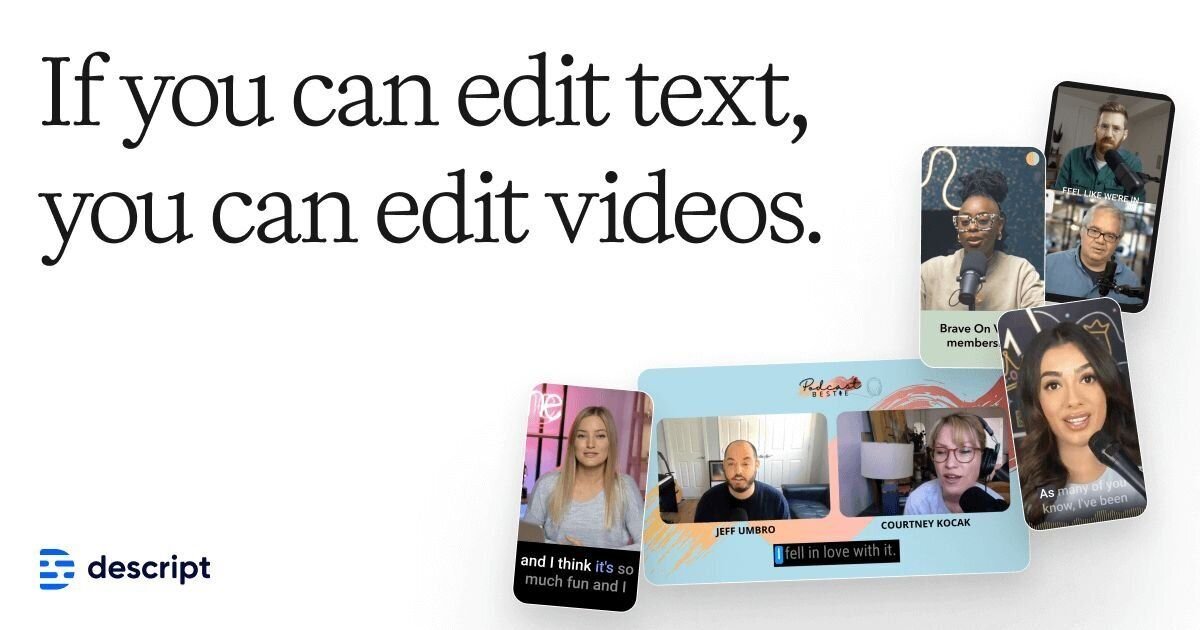
Transcript-led video and podcast editor for recordings, captions, spoken-word cleanup and AI-assisted repurposing

Choose it if
Marketing, education, podcast and enablement teams editing spoken-word video or audio without a specialist editor for every project
Skip it if
Your work is primarily cinematic, effects-heavy or frame-precise, or your monthly raw-media volume makes per-editor allowances difficult to forecast
Starting price
Free; Hobbyist starts at $16 per person per month on annual billing
Yes
Decision checklist
Descript links a transcript to recorded audio or video, so removing or rearranging speech changes the corresponding media. That makes it a practical option for interviews, webinars, lessons and podcasts where the structure follows what people say. An editor can focus on the argument or explanation before adjusting the presentation.
Start by correcting names and technical terms, then identify complete passages to keep or remove. Listen across each cut rather than checking the transcript alone: a grammatical paragraph can still sound abrupt when two spoken segments meet. Keep camera changes and supporting visuals aligned with the revised meaning. This is the workflow to evaluate, rather than assuming text editing replaces every timeline decision.
Descript media hours measure uploaded or recorded material processed in the product, not the length of the final export. A ten-minute lesson made from a long interview and several retakes therefore needs a different capacity estimate from a ten-minute screen recording. Count incoming material by editor before choosing a subscription.
AI credits are a separate constraint. Cleanup, generated media and other AI features should be forecast alongside the source hours. Creator and Business list access to top-ups, but obtain their current account prices before relying on them. Avoid assuming that spare capacity belonging to one editor can automatically cover another; confirm the workspace accounting rules.
Hobbyist offers watermark-free 1080p export, while Creator adds 4K output. The relevant choice is the delivery specification: an internal training clip and a customer-facing product video may have different needs. Paying for a higher export ceiling will not improve a poor original recording, so assess capture quality as well as plan entitlement.
Business adds Brand Studio and additional production features, while Enterprise addresses requirements such as SSO, SCIM, audit logs and custom retention. Separate the need for shared brand assets from company security requirements. An organisation using customer interviews or confidential demonstrations should resolve retention, account access and procurement terms before uploading those recordings.
Studio Sound, filler-word removal and automated clip creation can reduce editing work, but the final piece still needs editorial review. A repeated phrase may carry emphasis, a pause may be intentional and an extracted clip may omit the qualification that made a claim accurate. Review sensitive statements in context before sharing short versions.
Keep the source recording, approved wording and final export available outside the working project. Voice cloning or regenerated speech also needs the speaker’s permission and a clear approval process. For recording-led projects, compare Auphonic for audio processing; for frequent template-led social edits, compare CapCut. HeyGen represents a different choice when an avatar-led presentation is the intended output.
Starting price: Free; Hobbyist starts at $16 per person per month on annual billing. Model: Per-person subscription with monthly media-hour and AI-credit allowances, optional top-ups on higher tiers and custom Enterprise pricing.
Worked exampleThree Creator editors at the published annual-billing rate cost 3 × $24 × 12 = $864/year before tax and top-ups. Monthly billing gives 3 × $35 × 12 = $1,260/year if retained for 12 months. Allowances are quoted per editor; no freely pooled team allowance is assumed.
$0
One media hour monthly, 100 one-time AI credits, unlimited projects, captions and limited AI tools.
$16/person/month annual or $24 monthly
10 media hours, 400 AI credits, 1080p watermark-free export and core AI editing tools.
$24/person/month annual or $35 monthly
30 media hours, 800 AI credits, 4K export, stock media and access to top-ups.
$50/person/month annual or $65 monthly
40 media hours, 1,500 AI credits, Brand Studio, translation and dubbing, custom avatars and priority support.
Contact sales
Custom allowances, company-wide brand controls, security, retention, procurement and support terms.
Prices checked on 2026-10-13. The pricing page presents annual-billing and monthly rates side by side: Hobbyist $16 or $24, Creator $24 or $35, and Business $50 or $65 per person per month. Allowances are per editor. Taxes, currency conversion, top-ups and Enterprise terms are additional. Do not assume allowances are freely transferable between editors without confirming workspace rules.
Closest alternative: CapCut. Here is how the shortlist compares on price and fit.
| Compare |  Descript Descript |
 CapCut CapCut |
 Clideo Clideo |
|---|---|---|---|
| Best for | Marketing, education, podcast and enablement teams editing spoken-word video or audio without a specialist editor for every project | Creators, social media teams and small marketing departments producing frequent short-form and channel-specific video | Occasional editors who need quick trims, merges, compression and resizing without installing software |
| Starting price | Free; Hobbyist starts at $16 per person per month on annual billing | USD 19.99/month displayed; account-specific final price | US$9/month (Pro, billed monthly) |
| Free plan / trial | Yes | Yes | Free version with watermark and file limits |
| Biggest limitation | Useful capacity is constrained by both processed media hours and AI credits per editor, so the finished-video count alone does not predict cost. | Regional pricing and offers are confirmed only after sign-in, while AI-heavy workflows depend on finite credits and model-specific rates. | Every edit needs an upload, which is slow for large files and frequent editing |
Prices are taken from each vendor's own pricing page on the dates shown. Taxes and add-ons may apply; confirm before you buy.
No. The allowance measures imported or recorded media processed in Descript. Forecast from the source material, including retakes and supporting recordings, rather than only the final export.
No. Public pricing describes allowances per editor. Confirm the current workspace allocation and sharing rules before treating the sum of several seats as freely interchangeable capacity.
Creator supports 4K export, but a higher export setting does not establish better source detail. Evaluate the original recording and delivery specification separately from the plan’s export ceiling.
It can change pacing or emphasis, especially when removal joins surrounding speech. Listen to the edited passage in context and approve sensitive claims before publishing.
Compare current top-up pricing with the additional plan cost and features required. Creator and Business list top-up access, so an occasional spike does not by itself establish a need for Business.
Company identity controls, audit logs, custom retention, legal terms and procurement needs are separate from editing capacity. Confirm these with the vendor before using sensitive recordings.
We read pricing and plan limits from Descript's own pages (listed above) on the dates above. Where a vendor does not publish a price we can verify, we say so rather than estimate. Spotted something out of date? Tell us.
Profile updated · facts checked 13 Oct 2026
