

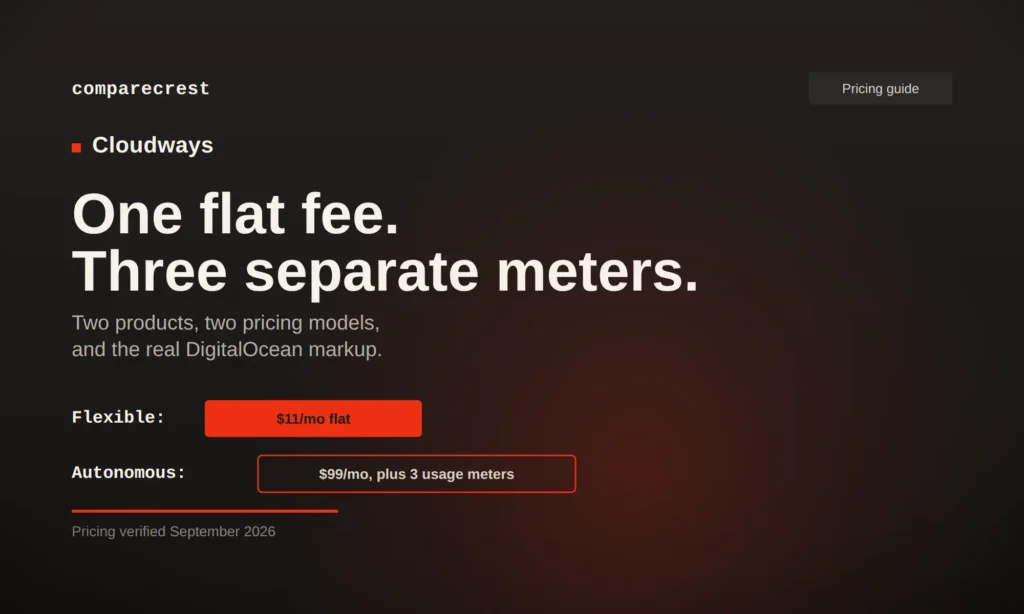
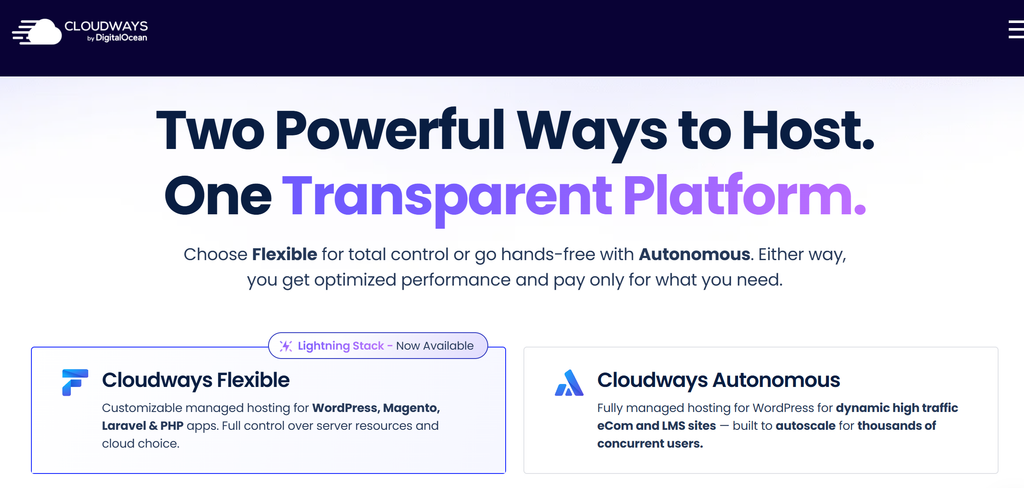
Cloudways isn’t one pricing page anymore. It’s two products sold under one brand: Flexible, the classic pick-a-cloud-and-pay-per-server model most guides still describe, and Autonomous, a newer Kubernetes-based autoscaling tier for WordPress that bills nothing like Flexible does. Flexible starts at $11 a month with a flat per-server rate. Autonomous starts at $99 a month plus three separate usage meters on top. Confusing the two is the fastest way to misjudge what Cloudways actually costs you.
Flexible Starts at $11, But the Spec Just Changed
The entry DigitalOcean server on Flexible currently lists at $11/month for 2GB RAM, 1 vCPU, 50GB storage, and 2TB bandwidth, plus 4 free AI Copilot credits (a troubleshooting assistant Cloudways added this year) and access to a new NGINX-based “Lightning Stack.” That’s a meaningfully bigger spec than the 1GB RAM, 25GB storage configuration several still-circulating guides quote at the same $11 price, so if you’re comparing against an older review, the current entry tier is better than what you’re reading.
Vultr and Linode servers start at $14/month, AWS around $20.56/month, and Google Cloud around $37/month, all for roughly comparable entry specs. Every Flexible server, regardless of provider, includes unlimited hosted applications, meaning one $11 server can run several small WordPress sites rather than needing one server per site.
Autonomous Isn’t a Bigger Flexible Plan, It’s Three Separate Meters
Autonomous is built for one thing: WordPress and WooCommerce sites that need to survive a traffic spike without manual intervention. It runs on Kubernetes with true autoscaling, and its pricing reflects that. Growth starts at $99/month (1 website, 150GB bandwidth, 20GB disk, unmetered visits), Scale at $199/month, and Plus at $399/month, each adding more baseline autoscale servers.
The base fee is only the starting point. Every Autonomous tier bills three things separately once you exceed what’s included: disk space at $1/GB, bandwidth at $0.04/GB, and autoscaling itself at $0.07 to $0.12 per server-hour beyond your baseline, with the rate climbing at higher tiers. A traffic spike that triggers autoscaling isn’t just handled, it’s metered, which is the opposite of how Flexible’s flat per-server pricing works.
The Real Markup Over Raw DigitalOcean
Cloudways doesn’t own servers. It resells DigitalOcean, Vultr, Linode, AWS, and Google Cloud capacity with a managed layer on top, and that layer costs something. A comparable raw DigitalOcean droplet (1GB RAM, 1 vCPU) runs about $6/month on DigitalOcean’s own pricing page, against Cloudways’ $11 entry price for a larger 2GB configuration, putting the realistic markup in the 80 to 90 percent range for equivalent specs rather than the far higher multiples some secondary guides cite. What you’re paying for is real: managed backups, staging, a firewall, free SSL, and support you’d otherwise assemble yourself on a raw droplet.
What’s Actually Included Versus What Costs Extra
Free SSL, free migration, and Object Cache Pro (worth $95/month standalone, included on 4GB+ servers) are genuinely included at every tier, not upsells. Past that baseline, the add-on list is where a Flexible bill grows: offsite backup storage runs $0.033/GB per server, Cloudflare Enterprise CDN starts at $4.99 per domain per month, Rackspace email is $1.50 per mailbox per month, Site Manager is $3 per app per month, and Malware Protection is $4 per app per month. None of these are hidden exactly, they’re listed on the pricing page, but none of them are included in the headline $11 either.
Bandwidth Overages Depend Entirely on Which Cloud You Picked
Cross your plan’s bandwidth allowance and the overage rate isn’t fixed, it’s set by whichever cloud provider is running your server. DigitalOcean overage is $0.02/GB, the cheapest by a wide margin. AWS overage runs $0.12/GB and Google Cloud $0.10 to $0.17/GB depending on region. For a site with unpredictable traffic, the provider you pick at signup quietly sets your downside risk months later.
Reviewers Split on Whether the Markup Is Worth It
G2 and Capterra reviews consistently praise Cloudways for ease of use, the one-click staging environment, and genuinely responsive live chat support. The recurring critique is the same markup the numbers above show directly: reviewers who’ve compared their invoice against a raw DigitalOcean droplet bill notice the difference, and some describe the gap as hard to justify once they’re comfortable managing a server themselves. Reviewers who value not touching a command line at all describe the markup as a fair trade.
Cloudways Against Kinsta, WP Engine, and Raw DigitalOcean
| Provider | Entry price | Model | Notable for |
|---|---|---|---|
| Cloudways Flexible | $11/mo | Flat per-server, unlimited apps | Cheapest way to host multiple small sites on one server |
| Cloudways Autonomous | $99/mo | Base fee plus disk, bandwidth, and autoscaling meters | WordPress sites that need real autoscaling, not just more RAM |
| Kinsta | $35/mo | Per-site, visit or bandwidth capped | Single high-value site, published overage rates |
| WP Engine | $30/mo | Per-site, visit capped | Agencies needing phone support and bundled dev tooling |
| Raw DigitalOcean droplet | ~$6/mo | Unmanaged VPS | Teams that will configure and maintain the server themselves |
A 5-site agency running $11 Flexible servers pays roughly 75 percent less than the equivalent WP Engine Growth plan for the same site count, per independent cost comparisons, because Cloudways doesn’t charge per site the way Kinsta and WP Engine do. That math flips once you need phone support or fully hands-off management, where the per-site hosts earn their premium back.
Pricing Caveats to Budget Around
- Flexible and Autonomous are different products with different pricing logic; confirm which one a quote or guide is actually describing
- Autonomous’s autoscaling charge is metered per server-hour, not a flat fee, and the rate increases at higher tiers
- Bandwidth overage cost depends on your chosen cloud provider, not on Cloudways directly; DigitalOcean is consistently cheapest
- Backups, CDN, email, and malware protection are all separate line items past the base server price
- Cloudways bills hourly and in arrears, so a mid-month plan change shows up on the following month’s invoice, not immediately
Is Cloudways actually cheaper than managing my own server?
On raw price, no. A comparable DigitalOcean droplet costs roughly half what Cloudways charges for the same specs. The markup pays for managed backups, staging, firewall, free SSL, and support that you’d otherwise have to set up and maintain yourself.
What's the difference between Cloudways Flexible and Autonomous?
Flexible is the classic model: pick a cloud provider, pick a server size, pay a flat monthly rate, host unlimited apps. Autonomous is Kubernetes-based autoscaling built specifically for WordPress, with a base fee plus separate metered charges for disk, bandwidth, and autoscaling itself.
Does Cloudways charge extra for bandwidth overages?
Yes, and the rate depends on which cloud provider is running your server: $0.02/GB on DigitalOcean, $0.12/GB on AWS, and $0.10 to $0.17/GB on Google Cloud.
Is Cloudways cheaper than Kinsta or WP Engine?
For hosting multiple sites, usually yes, since Cloudways doesn’t charge per site. Kinsta starts at $35/month and WP Engine at $30/month, both for a single site; a $11 to $24/month Cloudways server can host several sites on the same box.
Does Cloudways include backups for free?
No. Offsite backup storage is billed separately at $0.033/GB per server. SSL, migration, and Object Cache Pro are included free; backups are not.
What does the AI Copilot feature on Cloudways plans do?
It’s a monitoring assistant that flags server and application issues with one-click fix suggestions, now included with a small number of free credits on every Flexible plan. It’s a recent addition that most existing Cloudways reviews don’t cover yet.
Pricing current as of September 2026, based on Cloudways’ official pricing page and DigitalOcean’s published droplet pricing. Rates, included specs, and promotional discounts change frequently; verify current pricing directly with Cloudways before making a purchasing decision.

Ajay is an Organic Growth Manager specializing in SEO, competitive research, and digital growth. With experience across fintech, e-commerce, Gaming, and healthcare, he analyzes SaaS platforms, AI tools, payment gateways, and business software beyond marketing claims. CompareCrest is where he turns in-depth research, feature analysis, pricing comparisons, and real-world insights into practical buying guides businesses can trust.
